Hard-surface panel
Hard-surface panel
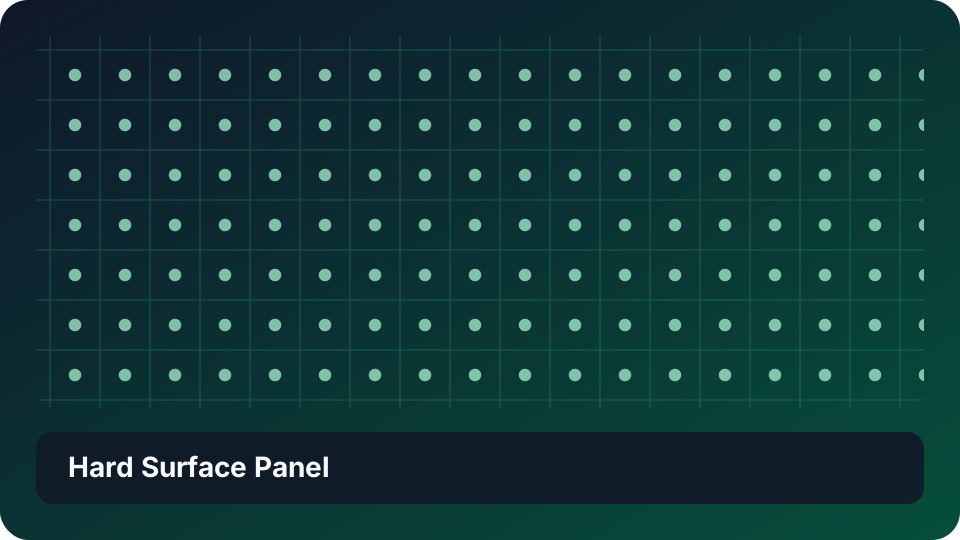
This 512 × 512 example sends Checker through Bevel. The result provides a geometric height base.
- Download the graph package.
- Import the package from the Project Browser.
- Open the imported graph.
- Select Bevel.
- Adjust Distance.
The panel edges become wider or narrower. Bevel requires Pro.
NOTE: Graph package import requires Pro.